
Key Takeaways
- 62% of calls to small businesses go unanswered — and most of those callers never call back. For service businesses, every missed call is a missed appointment worth $100–$1,000+.
- AI phone agents aren’t replacing receptionists — they’re covering the hours no one wants to staff: nights, weekends, holidays, and lunch breaks.
- The real differentiator is multilingual support — in diverse markets like LA, Houston, and Miami, AI that handles Korean, Spanish, and Vietnamese calls wins business that English-only voicemail loses.
- Not everything should be automated — complex complaints, emotional callers, and true emergencies still need humans. The best setups route intelligently, not blindly.
It’s 9:47 PM on a Tuesday. A homeowner in Dallas hears a loud bang from the furnace. Temperature’s dropping. Kids are in bed. She grabs her phone and calls three HVAC companies.
Company A: voicemail. Company B: voicemail. Company C: a calm, clear voice picks up, asks what’s happening, confirms her address, and texts the on-call technician. “We’ll have someone there within 90 minutes. I’ve sent you a confirmation text with the tech’s name and ETA.”
Company C gets the job. Companies A and B never know what they lost.
That “receptionist” at Company C? An AI phone agent. No night shift. No overtime. No missed calls.
This isn’t hypothetical. We deploy voice AI across service businesses at Callnovo — salons, clinics, HVAC shops, law firms — and the pattern is the same everywhere. The businesses that answer after hours win the customer. The ones that don’t, lose them permanently.
Here’s what’s actually happening, what works, what doesn’t, and how to think about it for your business.
Quick Glossary
Before we dive in, here are the terms you’ll see throughout this article:
| Term | What It Means |
|---|---|
| AI phone agent | Software that answers phone calls, understands natural speech, and responds conversationally — not a menu tree (“press 1 for…”) |
| AI receptionist | An AI phone agent specifically configured for front-desk tasks: booking, intake, FAQs, routing |
| IVR | Interactive Voice Response — the old “press 1” phone tree system most callers hate |
| STT / TTS | Speech-to-Text and Text-to-Speech — the technologies that let AI hear and speak |
| Human handoff | When the AI recognizes it can’t handle a call and transfers to a live person with full context |
| Conversational AI | AI that handles back-and-forth dialogue, not just one-shot commands |
The Problem: Missed Calls Are Expensive
Most small business owners know they miss calls. Few know how much it costs them.
For service businesses — salons, dental offices, plumbers, cleaning companies — the math is brutal. Your revenue is appointment-driven. Every missed call is a missed booking. And the calls that come after 5 PM are often the most valuable: people planning ahead for the next day, emergencies that can’t wait, new customers searching for someone who actually picks up.
Traditional solutions haven’t solved this well:
- Voicemail — callers hate it. 85% hang up without leaving a message.
- Answering services — expensive ($200–$800/month), often slow, limited to English, can’t actually book into your calendar.
- Forwarding to your cell — works until you’re at dinner with your family for the third time this week.
What AI Phone Agents Actually Do
Let’s be specific. A well-configured AI phone agent handles these tasks:
Answers Instantly
Picks up within 1-2 rings, 24/7/365. No hold music. No “your call is important to us.” Greets the caller naturally in their language.Understands the Request
Uses conversational AI to understand what the caller needs — not keyword matching, but actual comprehension. “I need someone to look at my AC, it’s making a weird noise” → HVAC service request.Takes Action
Books appointments, checks availability, captures intake information, answers FAQs, provides quotes for standard services. Integrates with your calendar and CRM.Routes When Needed
Recognizes when a call needs a human — emergencies, complex complaints, upset callers — and transfers with full context. The human gets a summary before they even say hello.Follows Up
Sends confirmation texts, appointment reminders, and logs everything to your dashboard. You wake up to a summary of every after-hours call, what was handled, and what needs your attention.What it doesn’t do well (and we’re honest about this):
- Emotionally charged calls — a frustrated customer who’s been waiting three days for a repair needs empathy, not efficiency. AI can detect frustration and route to a human, but it shouldn’t try to de-escalate alone.
- Complex multi-step problems — “I need to reschedule my appointment, but also change the service, and I have a question about my insurance coverage” is better handled by a person.
- True emergencies — a medical office’s AI should triage, not diagnose. It should recognize “my child is having trouble breathing” and route to the right resource immediately, not walk through an intake form.
How It Plays Out by Industry
The “after-hours call” looks different for every service business. Here’s what we see across the verticals we support:
Salons and Spas
The number-one call to a salon after hours: “I want to book an appointment.” The number-two call: “I need to reschedule.”
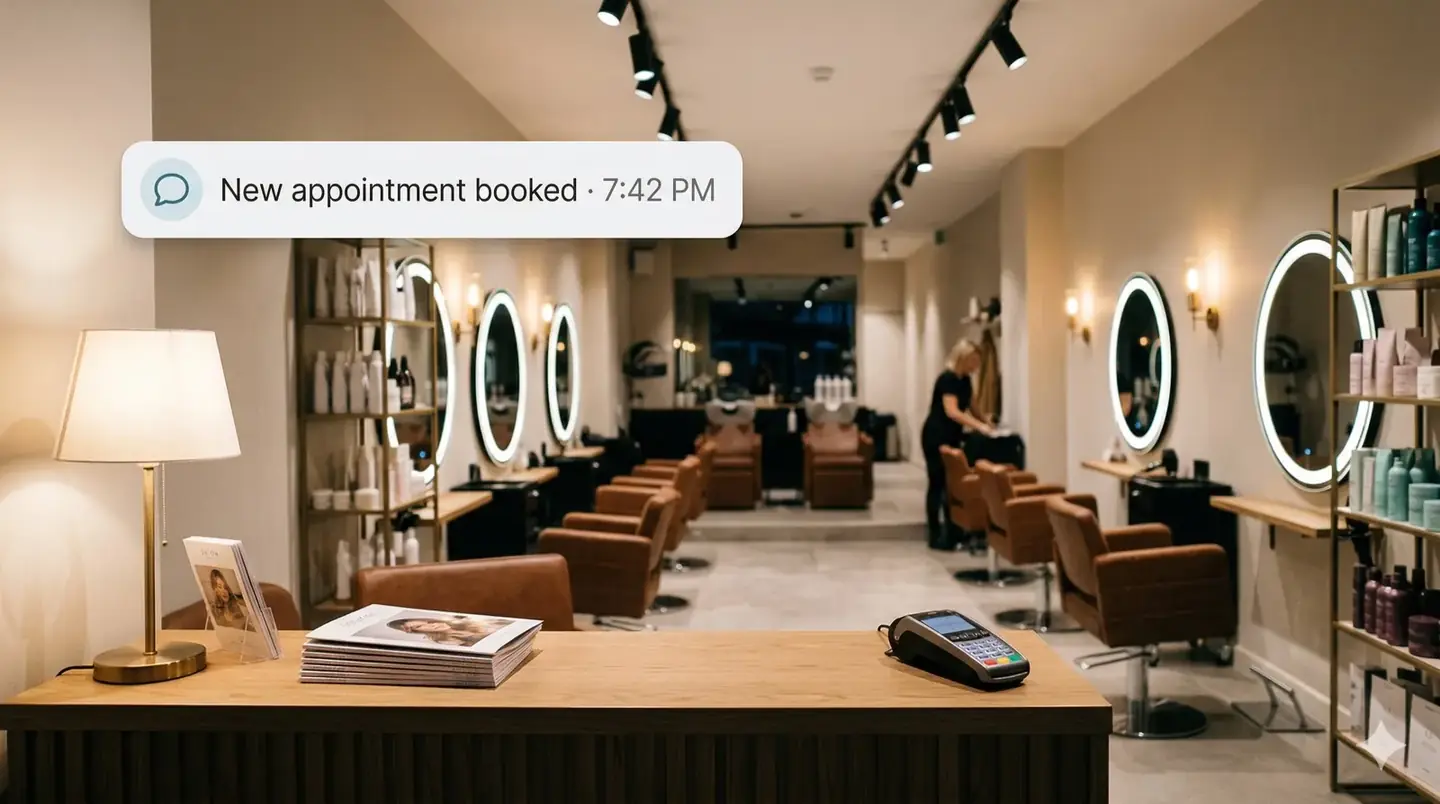
Both are perfect for AI. The agent checks your booking system, finds available slots, matches the caller to the right stylist (including language preference — critical in diverse markets), and confirms via text.
What we’ve seen: Salons using AI booking see a 40% reduction in no-shows because the AI sends reminders and makes rescheduling frictionless. Callers who would have gone to voicemail and booked with a competitor instead get confirmed on the spot.
Multilingual edge: In markets like LA, Houston, and the Bay Area, a salon that answers in Korean, Spanish, or Vietnamese — automatically, without the caller having to ask — wins loyalty that English-only competitors can’t match.
Medical and Dental Offices
After-hours calls to clinics fall into three buckets: appointment requests, prescription refill questions, and “is this an emergency?”
AI handles the first two easily: scheduling, confirming insurance details on file, answering office-hours questions. For the third, it triages — asking the right screening questions and routing genuine urgencies to the on-call provider or advising the caller to go to the ER.
What we’ve seen: Clinics using AI triage after hours report 40% fewer no-shows (automated reminders) and significantly less time spent on Monday-morning voicemail callbacks. Staff arrive to a clean list of already-booked appointments instead of 30 voicemails to return.
Home Services (HVAC, Plumbing, Electrical, Cleaning)
This is where after-hours AI earns its keep most dramatically. A burst pipe at midnight, a dead furnace in January, a kitchen flood — these are high-urgency, high-value calls.
The AI captures the issue, confirms the address, checks which technician is on call, and dispatches. The customer gets a text confirmation with the tech’s name and ETA. The tech gets an alert with the customer’s info and problem description.
What we’ve seen: Home service companies using AI dispatch respond 3x faster than those relying on voicemail-and-callback. In emergency services, speed isn’t a differentiator — it’s the whole game.
Professional Services (Law Firms, Accounting)
Law firms get after-hours calls from potential clients in crisis: car accidents, arrests, custody emergencies. These callers are going to hire the first firm that responds.
AI handles client intake — name, contact info, brief description of the issue, conflict check — and either books a consultation or alerts the on-call attorney. The lead is captured and warm by the time the attorney calls back.
What we’ve seen: Firms using AI intake after hours report 35% more qualified consultations because leads that would have gone cold overnight are captured immediately.
AI Phone Agent vs. Answering Service vs. Voicemail
Here’s how the three main options compare for a typical service business:
| Feature | AI Phone Agent | Traditional Answering Service | Voicemail |
|---|---|---|---|
| Availability | 24/7/365, instant | 24/7, but hold times vary | 24/7, but no one’s listening |
| Cost | $100–$300/mo typical | $200–$800/mo + per-minute fees | Free (but expensive in lost revenue) |
| Can book appointments | Yes, integrates with your calendar | Rarely — takes messages only | No |
| Languages | 65+ with auto-detection | Usually English + maybe Spanish | Whatever your greeting says |
| Speed to answer | 1–2 rings | 30 seconds to 2+ minutes | 4–5 rings then prompt |
| Caller experience | Natural conversation | Varies — often scripted | Impersonal, most callers hang up |
| After-call action | Books, confirms, dispatches, texts | Takes a message, emails you | Stores a recording |
| Scales with volume | Handles 10,000+ concurrent calls | More calls = more cost | N/A |
| Setup time | Days to 1 week | 1–2 weeks | Instant |
| Customization | Deep — per-industry scripting, workflows | Basic — script changes take days | Record a greeting |
What to Look For When Choosing an AI Phone Agent
Not all AI phone agents are equal. Here’s what matters, based on what we’ve seen work (and fail) across dozens of deployments:
Must-haves:
- Calendar and booking integration — if the AI can’t actually book into your system (Calendly, Acuity, Jane, ServiceTitan, Jobber), it’s just a fancy answering machine. This is the most important feature.
- Human handoff with context — the AI must know when it’s out of its depth and transfer with a full summary. A cold transfer is worse than no transfer.
- Multilingual support — if your customer base includes non-English speakers, English-only AI is leaving money on the table. Look for automatic language detection, not “press 2 for Spanish.”
- Call transcripts and summaries — you should wake up to a dashboard showing every call, what was said, and what action was taken. No black boxes.
Nice-to-haves:
- Custom voice personas — some businesses want a warm, casual tone; others want professional and authoritative. The ability to match your brand matters.
- SMS follow-up — automated confirmation texts after booking, with your business name and appointment details.
- Compliance features — if you’re in healthcare (HIPAA) or legal (attorney-client privilege), make sure the platform handles data appropriately.
- Analytics and reporting — call volume by hour, common questions, booking conversion rate, average call duration. This data helps you optimize your business, not just your phones.
Red flags:
- No human handoff option — any vendor claiming AI can handle 100% of calls is selling you something.
- Per-minute pricing only — this incentivizes short calls and penalizes the AI for being thorough. Look for flat-rate or per-call pricing.
- No industry-specific configuration — a salon and an HVAC company have completely different call flows. Generic “one-size-fits-all” AI delivers generic results.
Our Practical View
I’ll be direct: at Callnovo, we run both AI and human call operations. HeroVoice is our AI receptionist product. We also have 2,500+ human agents across 65+ languages. We see both sides of this every day.
Here’s what we’ve learned:
AI phone agents are transformative for after-hours coverage. The ROI is immediate and obvious. A service business paying $0/month for voicemail and losing $1,200/month in missed calls can spend $200/month on AI and recapture most of that revenue. It’s not a hard decision.
But “AI replaces your receptionist” is a fantasy. During business hours, your front desk handles complex situations — the upset regular who needs to be talked down, the walk-in who needs to be squeezed into a full schedule, the insurance question that requires pulling up a chart. AI handles the predictable. Humans handle the messy.
The hybrid model wins. Our most successful deployments use AI for after-hours and overflow, and humans for business-hours complexity. The AI captures and triages. The humans resolve and retain. It’s not AI or human — it’s AI and human, each doing what they’re best at.
If you’re considering this for your business, start with after-hours coverage. It’s the lowest-risk, highest-reward entry point. You’re not changing anything about how your business runs during the day. You’re just making sure the phone gets answered when your team goes home.
Frequently Asked Questions
Can an AI phone agent actually book appointments?
Yes — if it’s integrated with your booking system. The AI checks real-time availability, offers slots, confirms the booking, and sends a text confirmation. This is the core use case, and it’s the feature that generates direct ROI. If an AI phone agent can’t book, it’s just a voicemail with a personality.
How much does an AI answering service cost?
Most small business plans run $100–$300/month for unlimited after-hours calls. Some platforms charge per minute ($0.10–$0.30/min) or per call ($1–$3/call). For a typical service business getting 100–200 after-hours calls/month, flat-rate plans are usually more predictable and cost-effective. Compare this to traditional answering services at $200–$800/month with per-minute overage fees.
Will my customers know they’re talking to AI?
Modern voice AI sounds natural — not robotic, not like Siri circa 2015. That said, some jurisdictions require disclosure, and we recommend transparency regardless. Most callers don’t care who answers — they care that someone answers, understands their request, and solves their problem. A great AI experience beats a bad human one every time.
What happens if the AI can’t handle a call?
A well-configured system routes to a human — your on-call staff, an answering service, or your cell phone — with full context. The human sees a summary: “Caller: Maria Lopez. Issue: pipe burst in kitchen. Address: 1234 Oak St. Urgency: high.” No cold transfers, no starting over.
Does it work in languages other than English?
The best platforms support dozens of languages with automatic detection. At Callnovo, HeroVoice handles 65+ languages. The caller speaks Korean, the AI responds in Korean. No menu selection, no delay. For service businesses in multilingual markets, this is often the single biggest competitive advantage.
How long does setup take?
Basic setup — greeting, business hours, booking integration — takes a few days. More complex configurations (custom intake flows, emergency dispatch protocols, multi-location routing) take about a week. Most businesses are live within 5 business days.
Bottom Line
The shift to AI phone agents for after-hours calls isn’t about replacing people. It’s about covering the gaps that no one wants to staff. Nights. Weekends. Holidays. The lunch hour when everyone’s away from the desk.
For service businesses, the equation is simple: answer the phone and get the customer, or don’t and lose them. AI phone agents make “answer the phone” a solved problem, 24/7, in any language, at a fraction of what a human night shift would cost.
Start with after hours. See what happens to your booking rate. Then decide if you want to expand from there.
If you want to see how this would work for your specific business, book a free call-flow review. We’ll map your after-hours volume, identify which calls AI can handle autonomously, and show you the revenue you’re leaving on the table.